# Oculus Rift/Link Login Error
If you are having the following issue that looks like the following:
[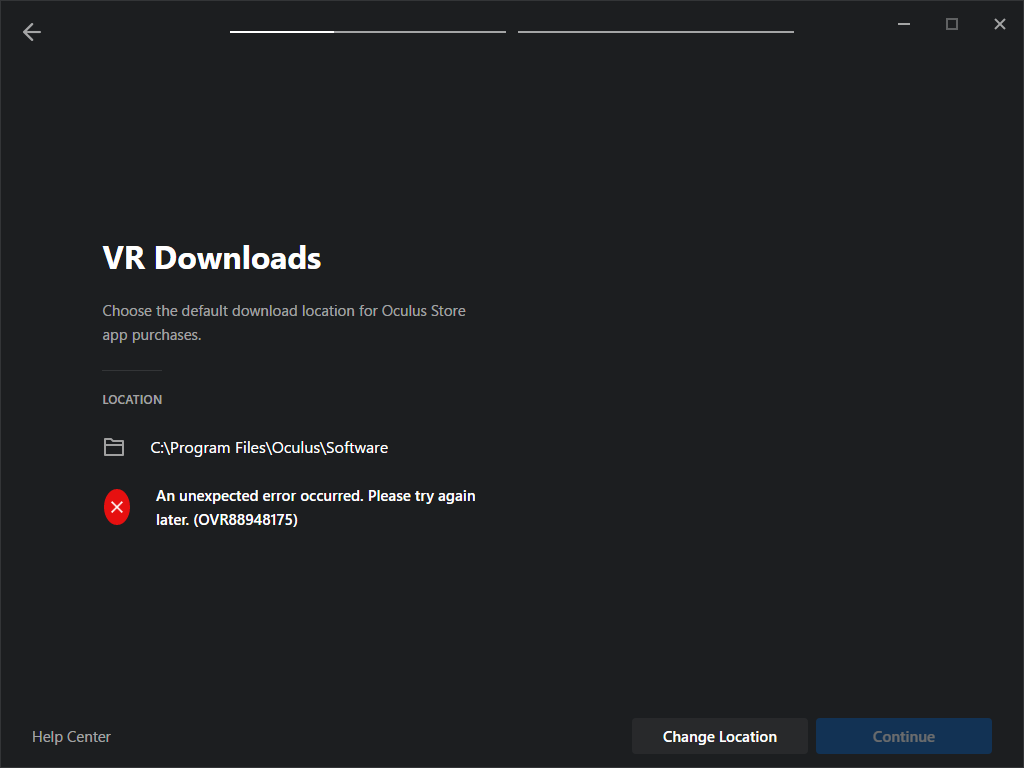](https://scil-wiki.su.edu/uploads/images/gallery/2023-11/9530klaoqe7b.png)
Close the software.
Open a windows command prompt from the start menu (or search). Copy the following line below and paste into the command prompt, then press enter.
`REG ADD "HKCU\Software\Oculus VR, LLC\Oculus\Libraries"`
Reopen Oculus software and verify you can move forward with setup.