3D Modeling for Printing Workshop: Tinkercad
Open Tinkercad and select the +Create button in the top right corner.
The Main Body
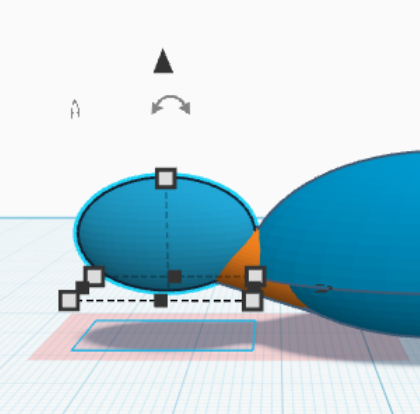
- Select a sphere from the Basic Shapes menu on the right and adjust the shape using the scale handles (square boxes). This will be the body of your turtle.
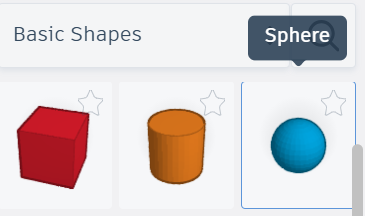
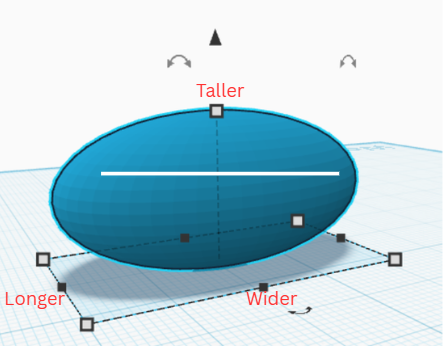
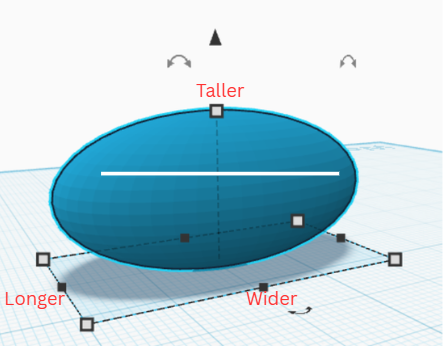
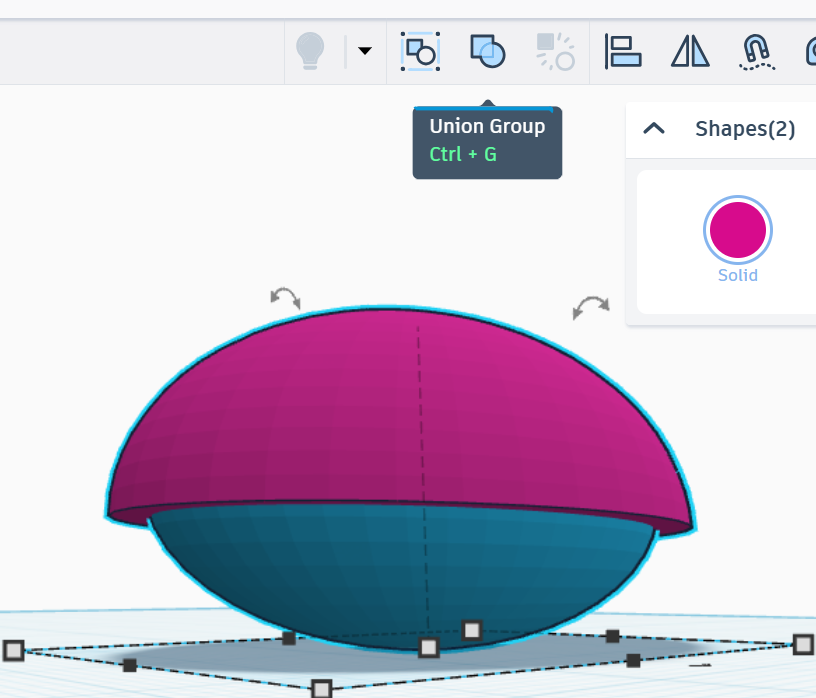
2. Select a half sphere the Basic Shapes menu on the right and adjust the shape using the scale handles. The half sphere should be just a little bigger than the size of the turtle body. This will be the turtle's shell. (Note: You can get precise measurements by hovering over the corner scale handles)
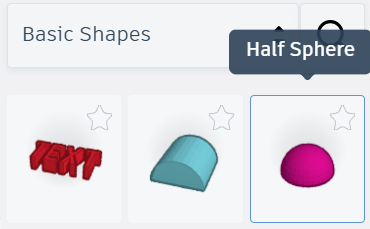
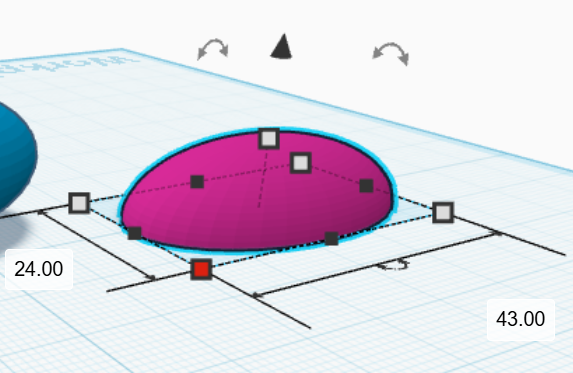
3. Move the shell up using the z-axis arrow (the triangle above the model) and align it with the top of the body so it overlaps. You may need to adjust the size of your shell to match the body. Be sure to check the body at all angles to be sure the shell is positioned the way you want.
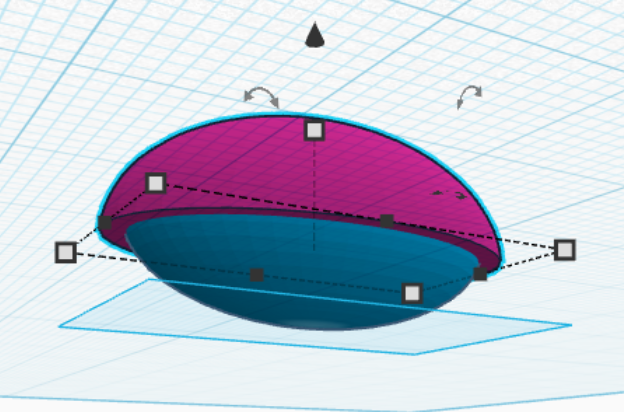
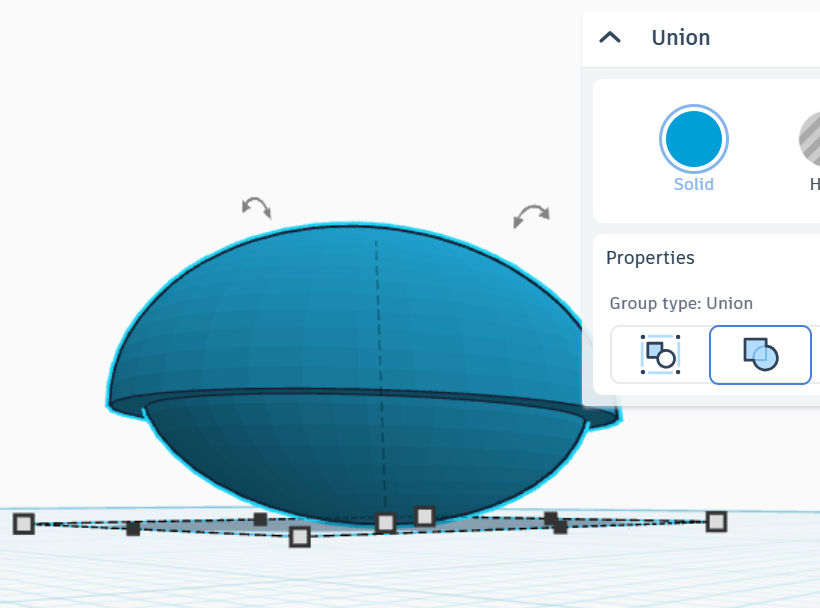
4. Select both the shell and the body and combine them into one object using the "Union Group" option in the top tool bar. Now the body is in one piece!
The Head
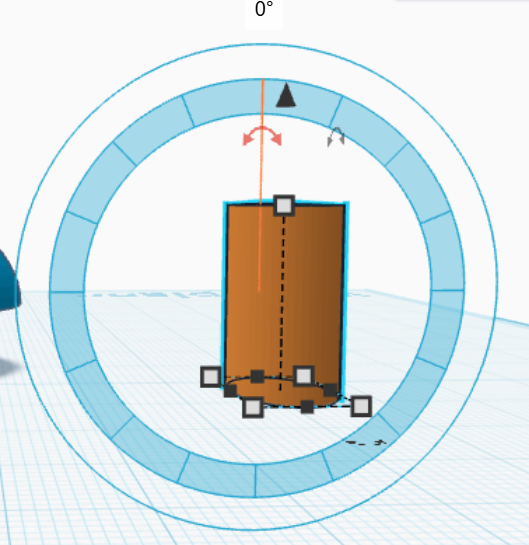
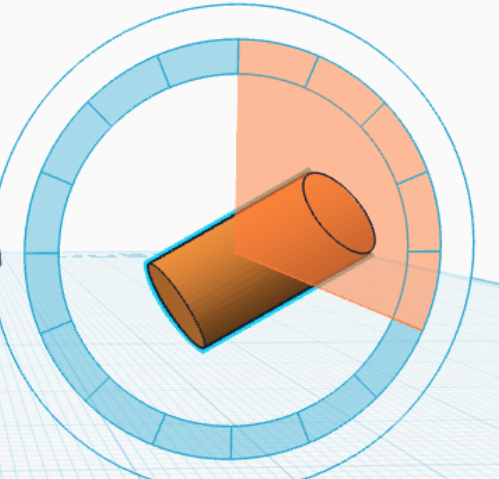
1. Add a cylinder to the grid. This will be the neck. Adjust the length, diameter, and angle (using rotation arrows above the cylinder) to the shape you want.
2. Add a circle to the grid and attach it to one end of the cylinder. Tinkercad gives you the option to auto-connect it to a plane on the cylinder, or you can move the sphere the same way you did the shell. This is the head. Adjust the sphere to the shape and size you want and align it with the neck so it overlaps with the entire top of the cylinder. Be sure to check from all angles to be sure the head and neck are positioned the way you want.
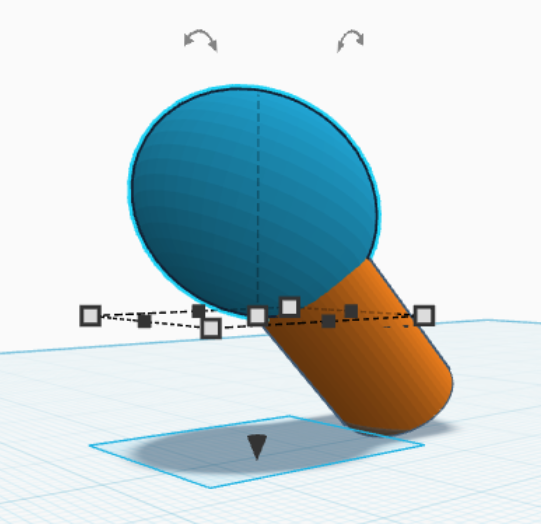
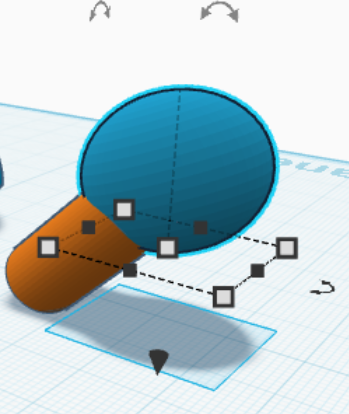
3. Combine the two shapes using "Union Group."
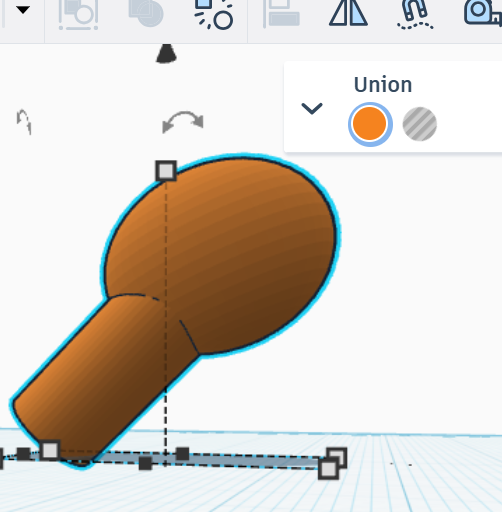
4. Move the neck of the turtle to align with the front of the body with the end of the neck hidden inside the body of the turtle. Adjust the size and angle to fit the turtle's body. Be sure to check from all angles to be sure the head and body are positioned the way you want.
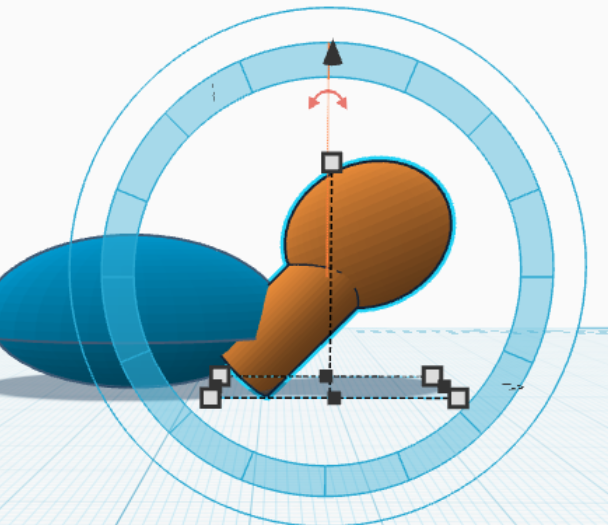
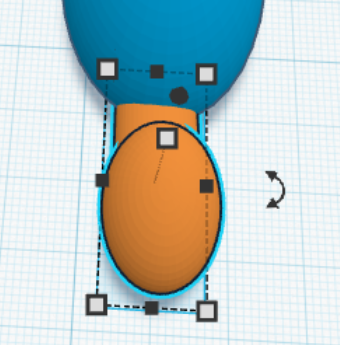
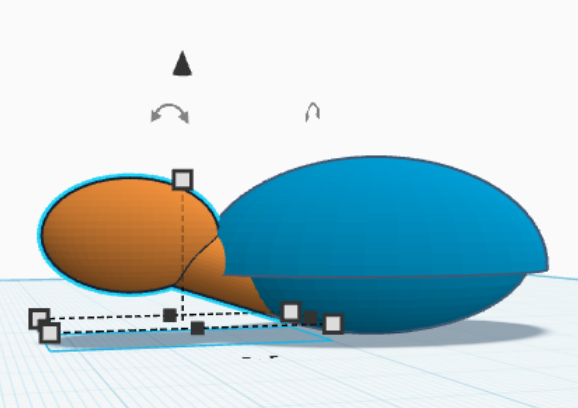
Note: You are able to adjust the size and shape of any of your individual objects by double clicking on them.