Copy: ctrl + C
Paste: ctrl + V
Duplicate: ctrl + D
Delete: Delete
Undo: ctrl + Z
Redo: ctrl + Y
Show all: ctrl + shift + H
Bundle group (ctrl + B) -Join shapes together so you can move and resize them at the same time without making them one shape.
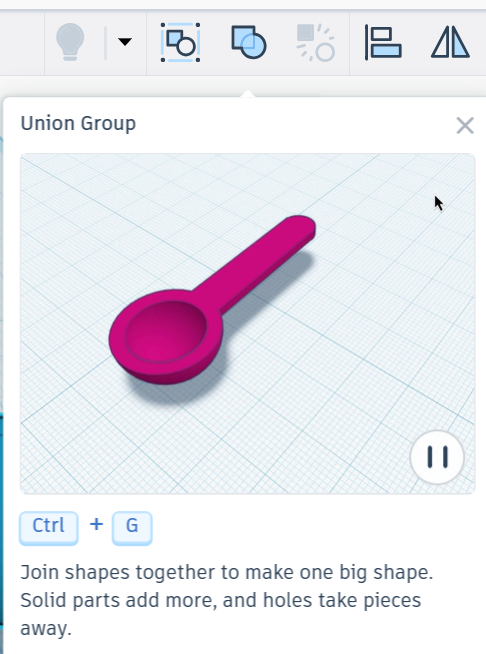
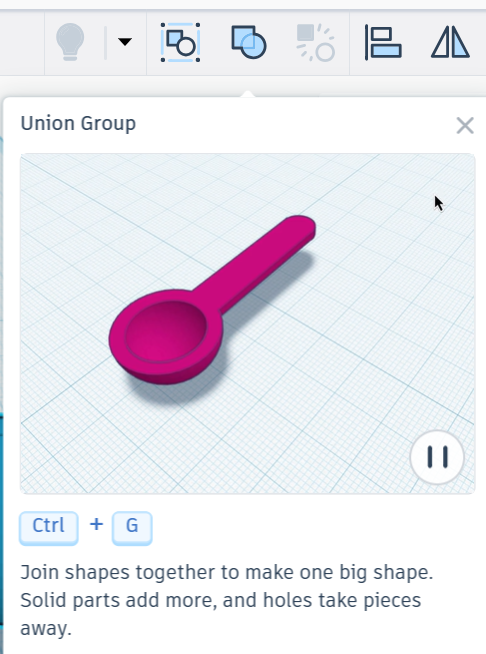
Union group (ctrl + G) - Join shapes together to make one big shape. Solid parts add more, and holes take pieces away.
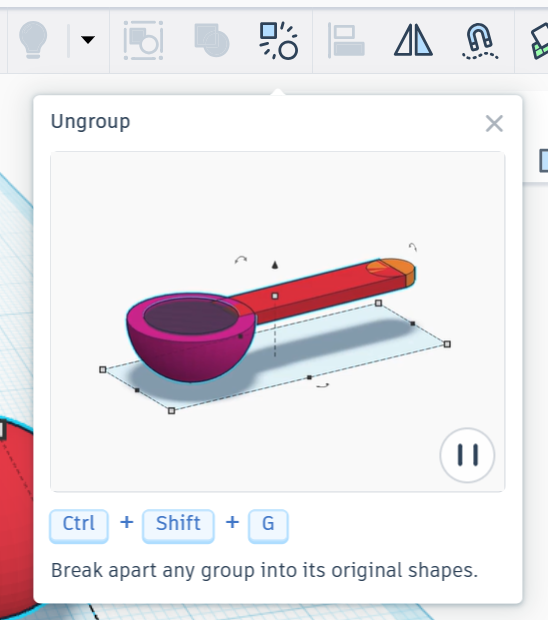
Ungroup (ctrl + shift + G) -Break apart any group into its original shapes.
Align (L) - Arrange shapes by their sides, centers, tops, or bottoms. Use the dot handles to preview alignment. Pin a shape so others align to it while it stays in place. Select it again to unpin.
Mirror (M) - Flip shapes front to back, side to side, or up and down by pressing the arrows.
Cruise ( C ) - Slide a shape smoothly along another surface to place it just where you want it.
Shape Workplace (E) -Use the shape’s original work surface to make changes to it.
Drop to workplane (D) - drop any selected shapes to the workplane.
Rotate plate: hold right mouse button
Select object: click left mouse
Center on object: F
Ruler: R
Lock editing : ctrl +L
Change workplane: W